
How to Connect PayPal with Payfunnels?
You can now connect PayPal to your Payfunnels account and start accepting payments in just a few simple steps.
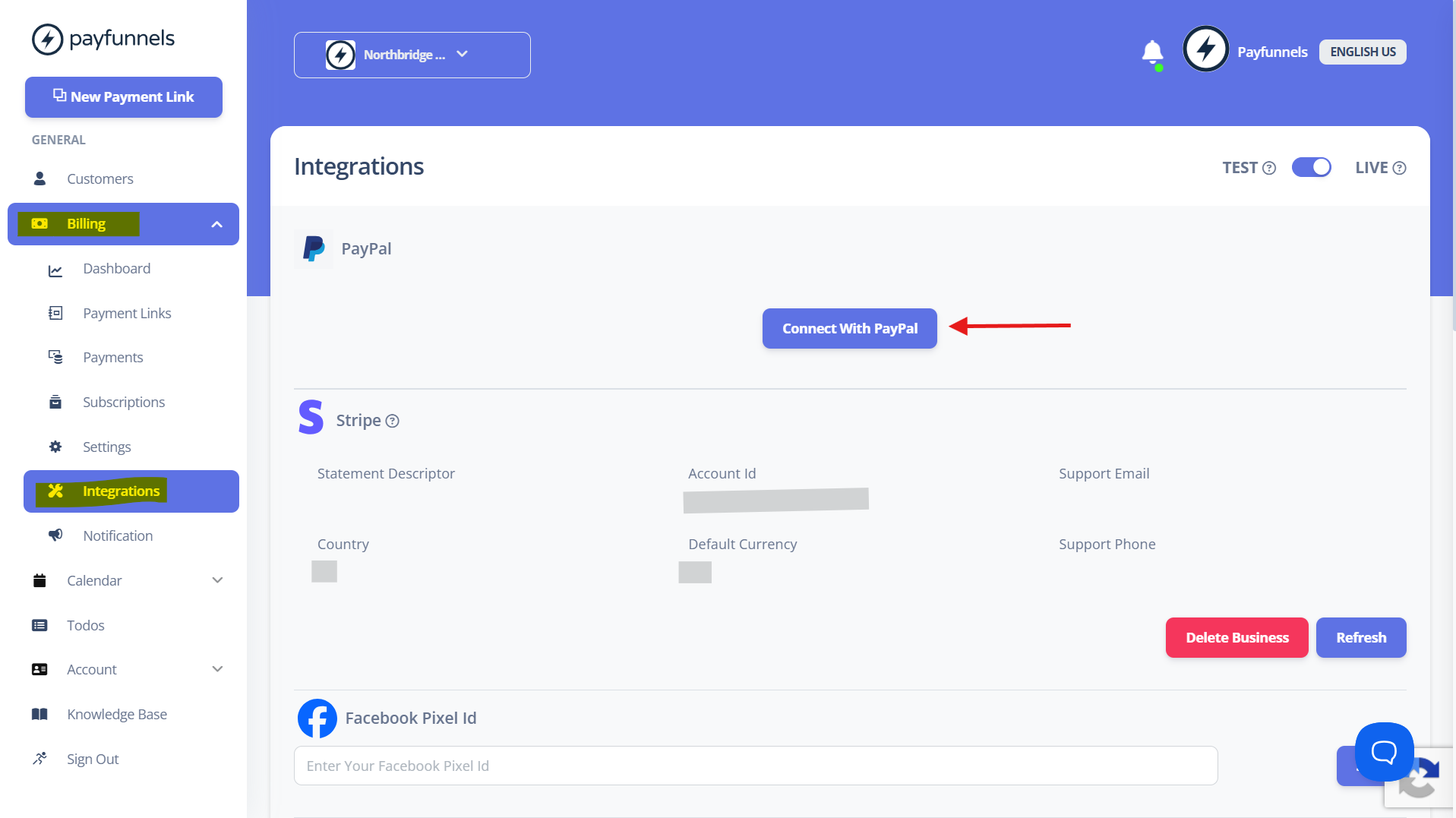
- Log in to your Payfunnels account and navigate to the Integrations section under the Billing tab.
- You will find the PayPal section at the top. Click Connect with PayPal.
- You will be redirected to PayPal, where you will be asked to verify your credentials and authorize the connection.
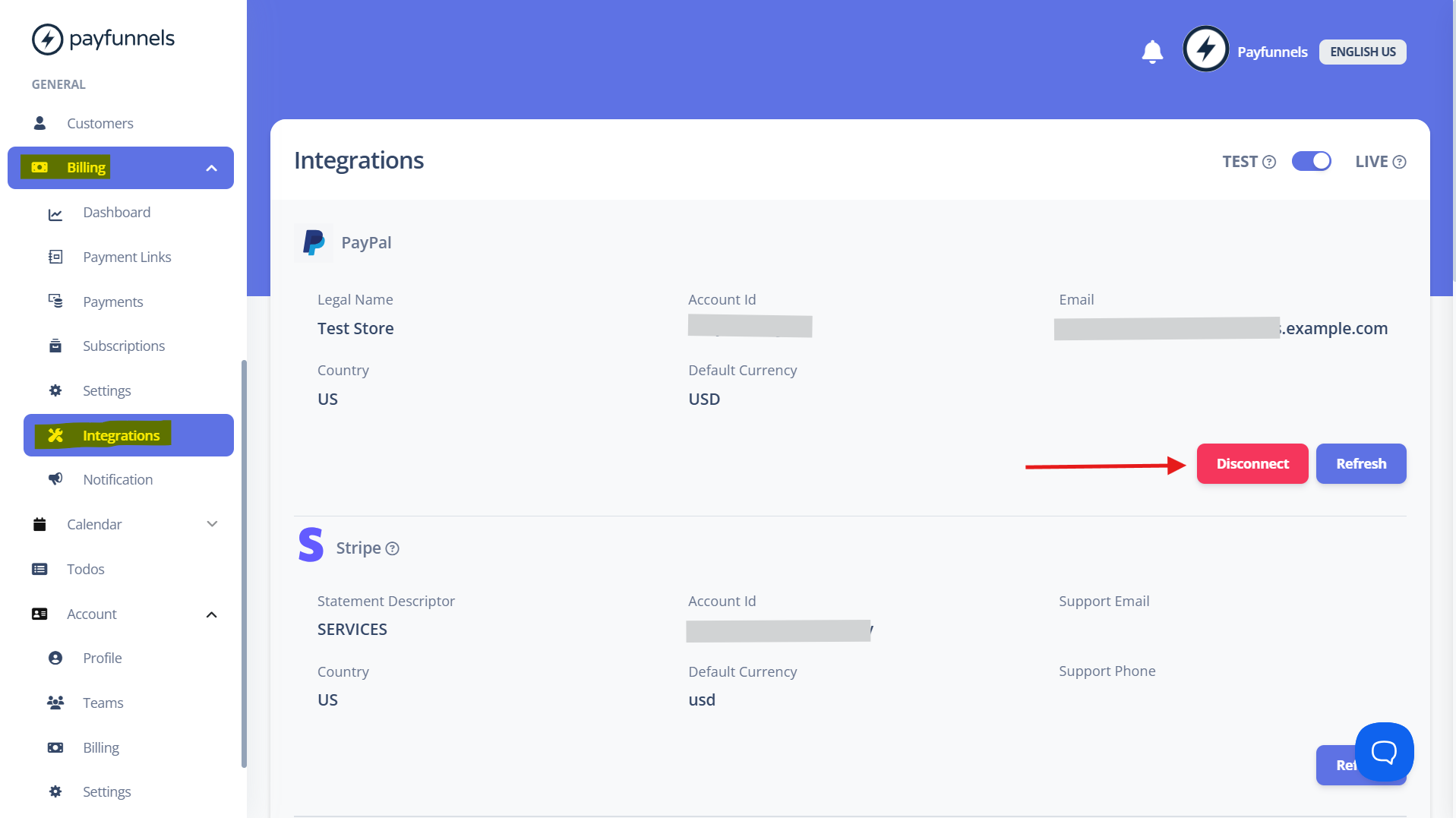
- Once the verification is successful, your PayPal account will be connected to Payfunnels.
- You can disconnect your PayPal account at any time by clicking the Disconnect button in the PayPal section.
- That's it! You're all set to start accepting payments through PayPal.
- If you have any questions or need assistance, feel free to email us at support@payfunnels.com.